How to Transfer Crypto to a Cold Wallet Safely and Easily
You safely move your crypto to a cold wallet by preparing your hardware wallet, generating a receiving address offline, and then sending your funds from the exchange or hot wallet to that secure address. It’s critical to verify addresses, use official software, check small test amounts first, and keep your recovery phrase secure—because even tiny slip-ups can cost you everything.
Why Use a Cold Wallet for Crypto
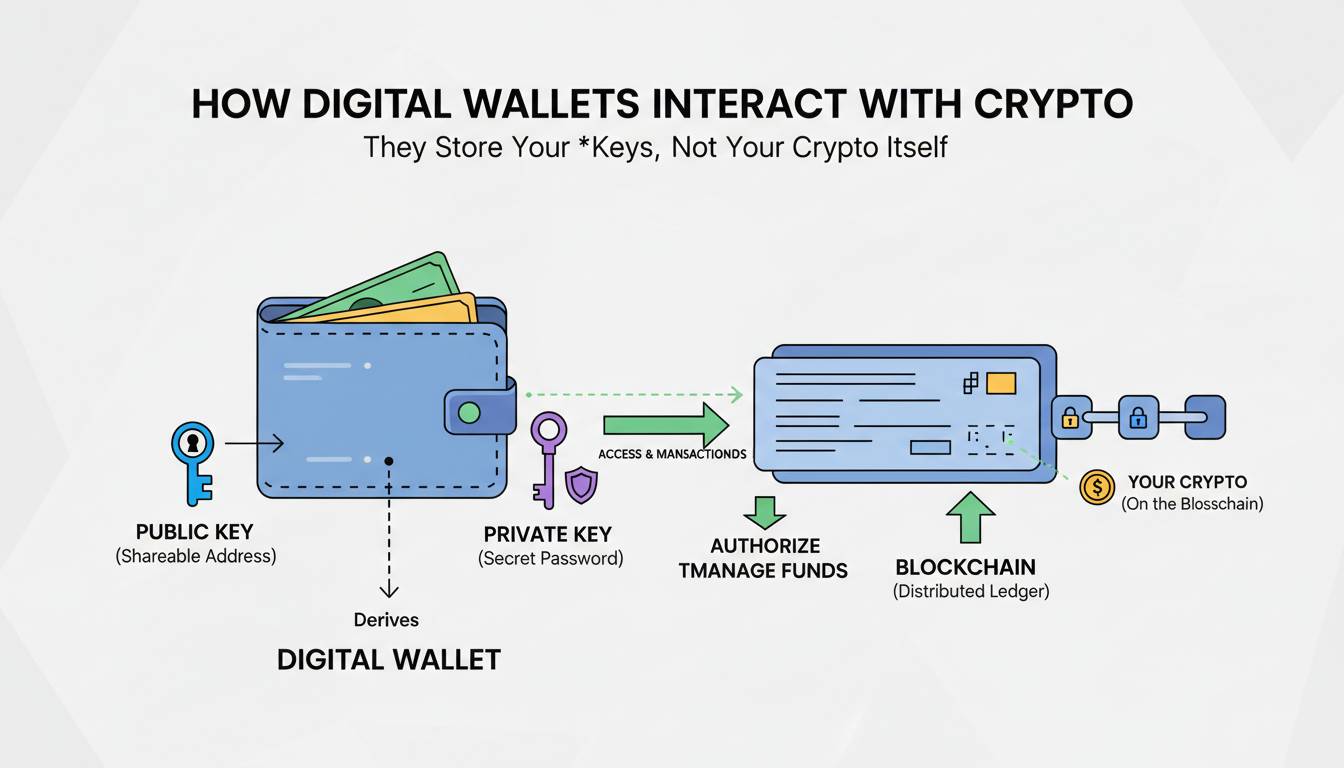
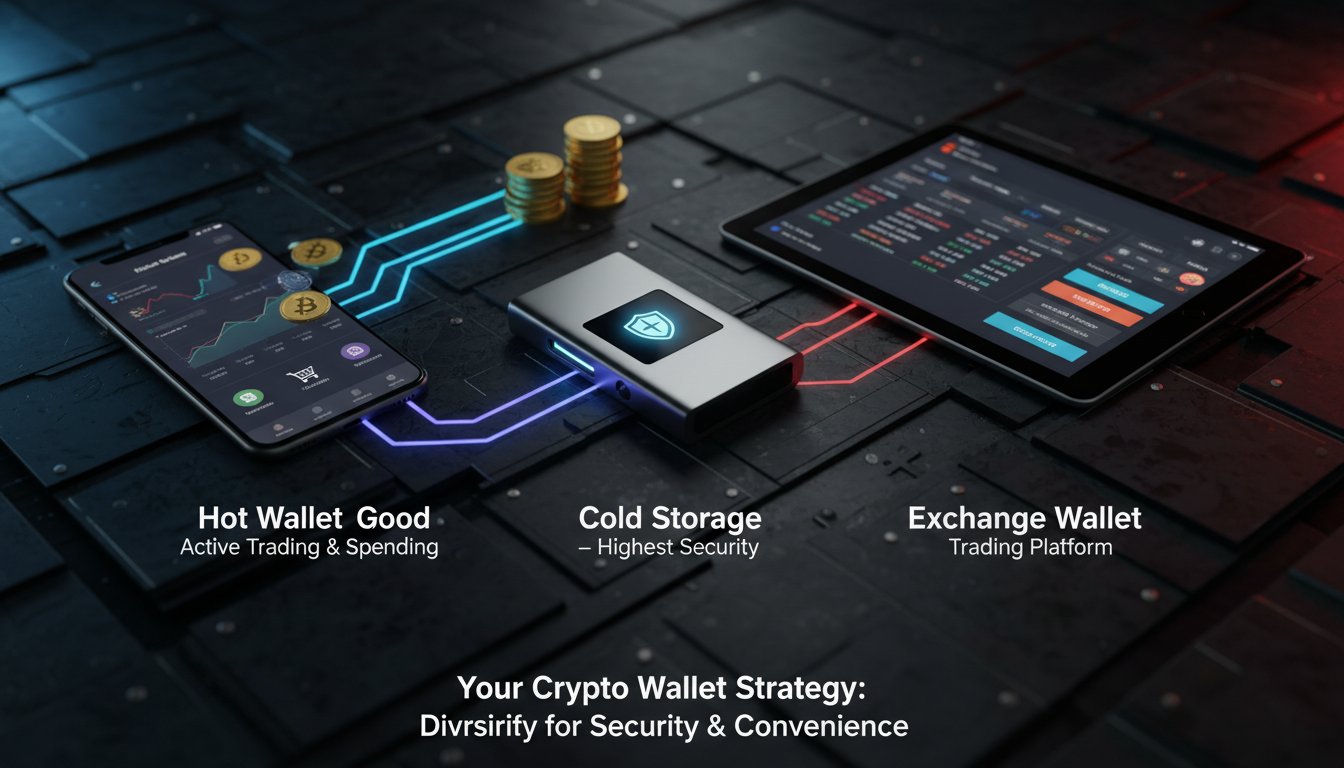
Cold wallets, being offline devices, offer the strongest protection against hacks or cyber theft. Unlike exchanges or online wallets—which have been targets for high-profile breaches—these hardware devices keep your private keys in your physical control. With the rise in phishing, SIM swaps, and rug pulls, more people are turning to cold wallets for long-term crypto safety.
Choosing the Right Cold Wallet
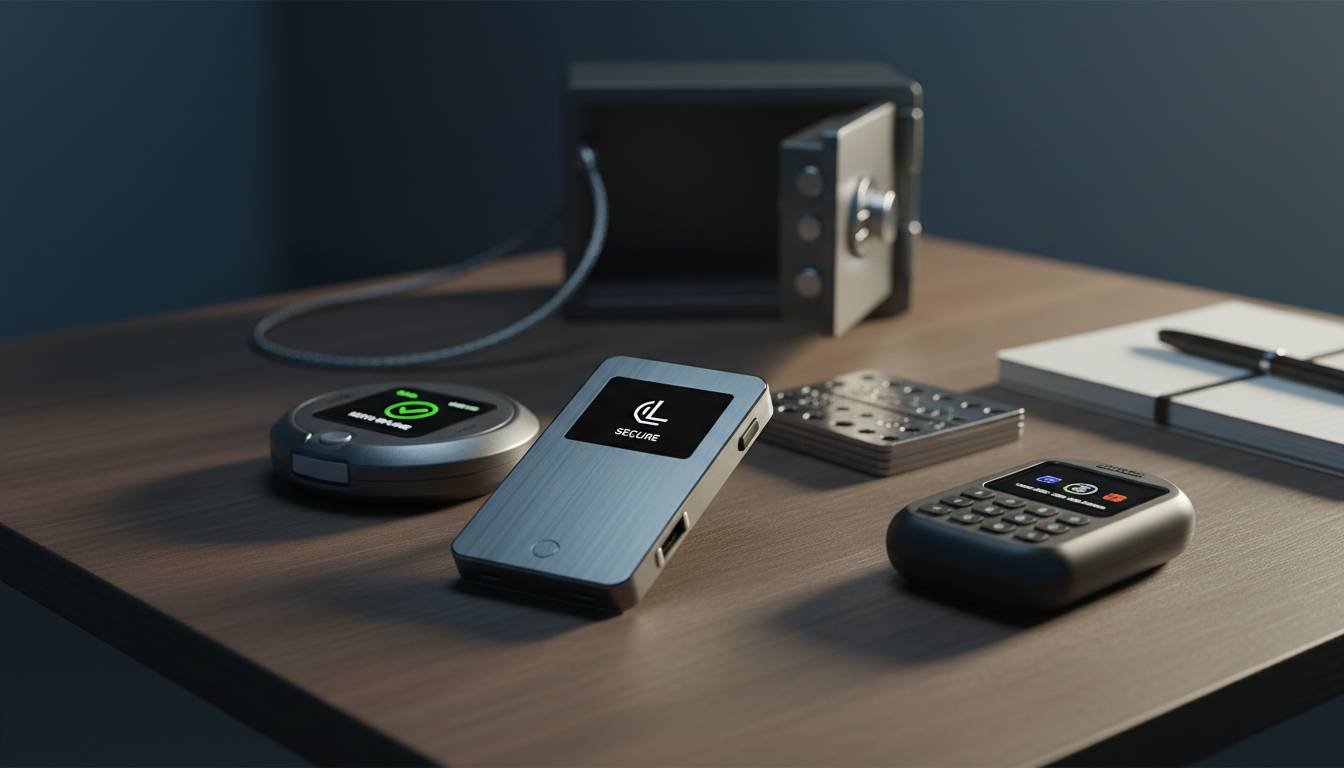
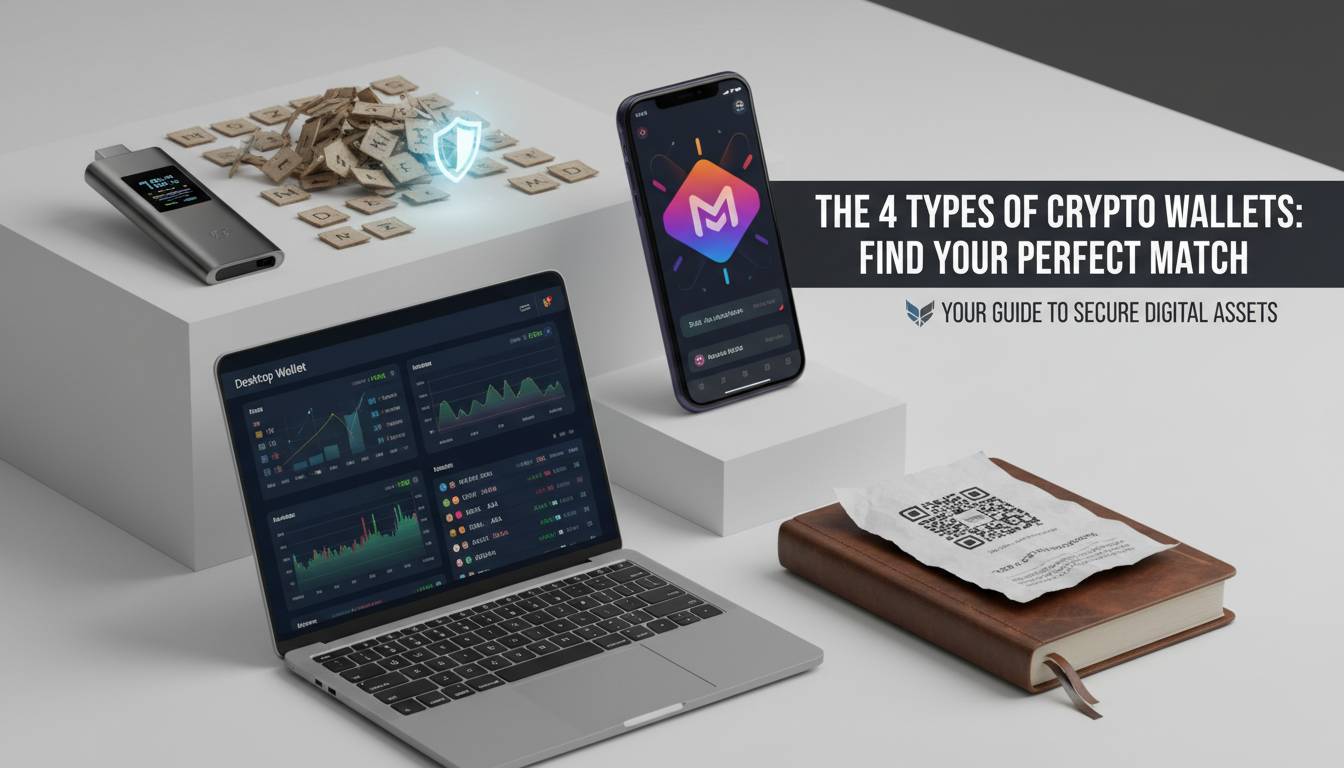
Popular Hardware Wallets
- Ledger Nano S Plus, Ledger Nano X
- Trezor Model T, Trezor One
- BitBox02, Coldcard, SafePal S1
Each has its pros and cons: Ledger offers Bluetooth features, Trezor supports many coins, BitBox02 includes smartphone pairing, and Coldcard is designed specifically for Bitcoin ultra-security.
What Matters Most: Security and Compatibility
When picking a wallet, prioritize:
- Wide coin support or multi-coin flexibility
- A verified device and manufacturer
- Backup and recovery ease
- A clear user interface, especially for newcomers
Doing quick side-by-side comparisons of devices helps match your needs—say, whether you’re storing a variety of tokens or just holding cold Bitcoin.
Step-by-Step: Transfer Crypto to a Cold Wallet
Step 1: Set Up Your Cold Wallet
- Unbox and inspect the device—look for tampering, damage, or mismatched seals.
- Follow the manufacturer’s instruction to power it up securely.
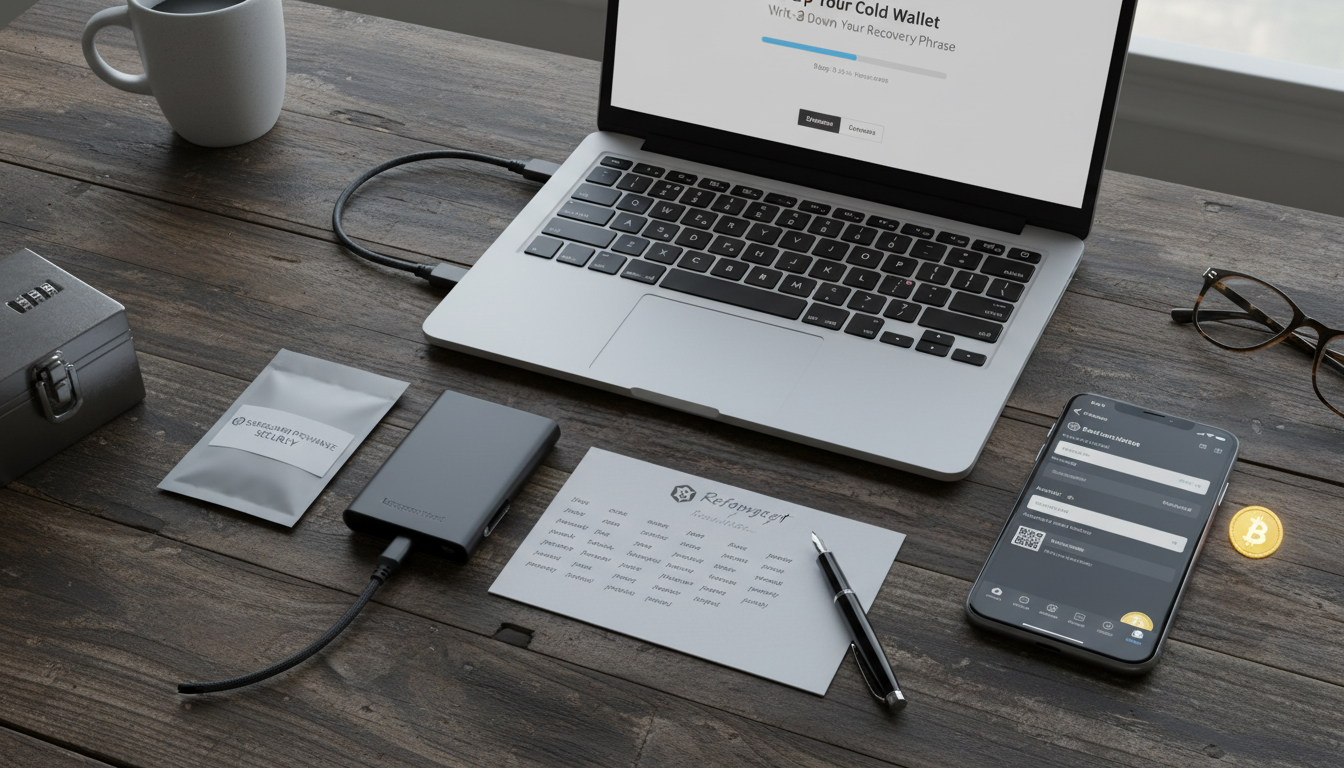
- Write down your recovery seed phrase with the device’s offline feature. Don’t store this phrase digitally or online.
Step 2: Get Your Receiving Address
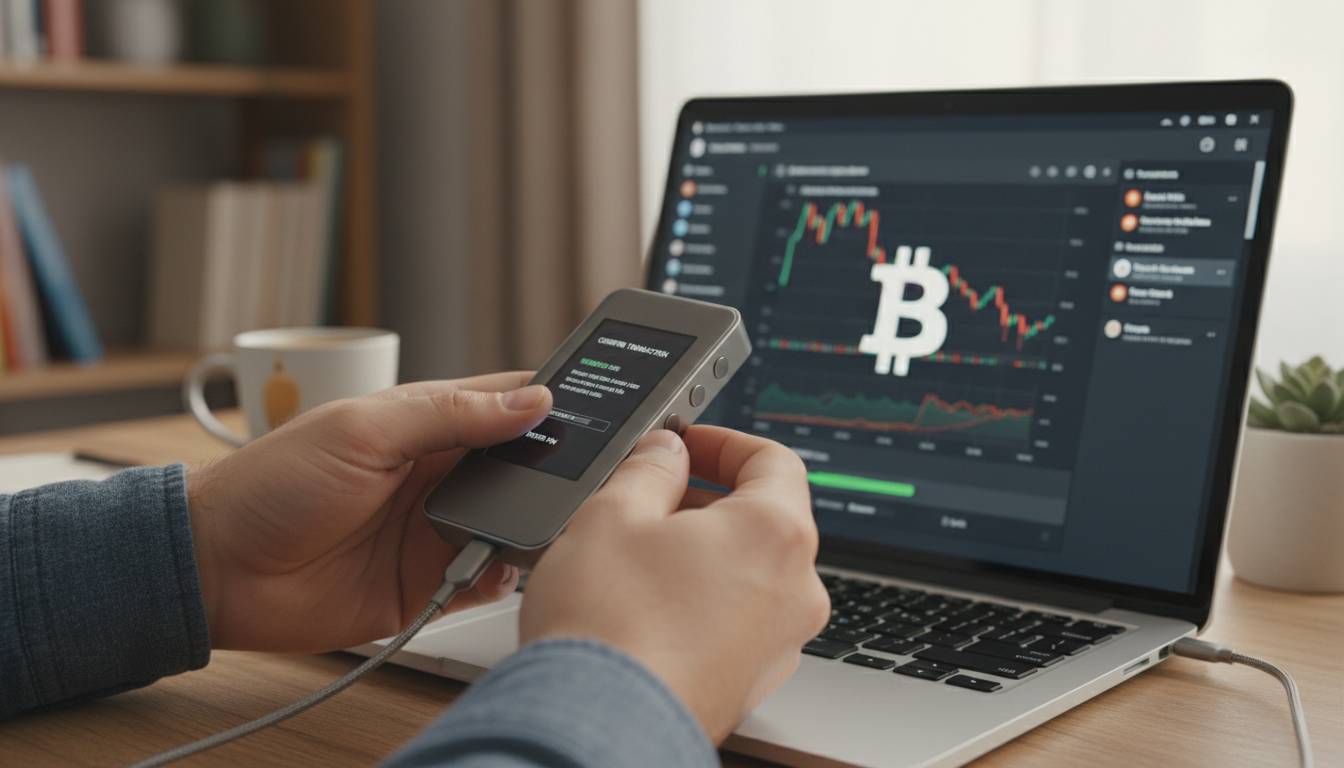
- Connect the wallet via USB (or Bluetooth if supported) and open its official app.
- Go to the “Receive” section and copy the address displayed.
- For extra security, double-check this on the device’s screen. It’s not uncommon for malware to swap your clipboard data.
Step 3: Make a Test Transfer
- From your exchange or hot wallet, send a small amount (e.g., $5–10 worth).
- Confirm it arrives correctly in your cold wallet.
- Once verified, proceed with the full transfer.
Step 4: Move the Full Amount
Enter the address carefully—you might scan a QR code or paste and verify it. Check it twice, especially the first six and last four characters. Only then, send the remaining funds.
Step 5: Confirm and Disconnect
After the transfer, verify with the wallet’s own app that your balance is accurate. Close the app, disconnect the device, and store it safely, separate from your recovery phrase.
Layered Security Tips
- Always keep your firmware updated (but update only via official channels).
- Never enter your recovery phrase anywhere except on the device itself.
- Consider using a metal seed backup like Cryptosteel or Billfodl instead of paper. Papers get lost or degrade; metal is far more durable.
- For high-value holdings, explore multisig setups—where multiple devices or people must authorize a transaction.
“Keeping your private keys offline—on cold storage—is the single most effective defense against hacks and phishing.”
— A leading crypto security professional
Common Pitfalls and Human Mistakes
You might:
- Fall for a fake wallet app—always use official links from the maker.
- Store your seed phrase digitally—it’s surprisingly easy for cyber criminals to find.
- Skip a test transfer and lose everything if the address was wrong.
- Forget to ensure firmware is up to date, meaning missed security fixes.
A little human slip can be the difference between secure storage and losing your savings.
Summary
Cold wallets give you full control and top-level security—but only with cautious setup and usage. Always verify addresses, safeguard your seed phrase physically, and test with small amounts before committing your entire balance. Choose a trusted device, stay up to date, and add layers like metal backups or multisig if needed.
FAQs
What’s the best way to store the recovery seed?
Write it down on paper or a specialized steel backup offline. Never save it digitally. Because many people lose access or get hit by malware—so more durable, offline storage is key.
Can I transfer from a mobile wallet to a cold wallet?
Absolutely. You just follow the same steps—get the receiving address from your hardware wallet app, test with a small sum, then transfer the rest.
Is cold storage totally safe from hackers?
While nothing is one hundred percent foolproof, cold wallets are by far the most secure when set up properly. You’re keeping your private keys offline—away from internet threats—but always stay vigilant.
Should I split my funds between two cold wallets?
That can be a smart way to reduce risk. If one wallet gets stolen or damaged, you still have access to the backup funds.
How often should I update the firmware?
Install updates as they’re released—typically every few months. These updates patch known vulnerabilities and improve encryption, but only get them from official sources.
What if I lose my cold wallet?
If you have your recovery seed, you can restore your funds on another compatible device. Without that seed, however, those funds are lost — there’s no way to recover them.
Let me know if you’d like any tweaks or deeper dives into parts like multisig setups or specific wallet comparisons.