
Sending cryptocurrency may feel tricky at first, but it’s actually pretty straightforward if you follow a few key steps. You open your wallet, choose “Send,” paste or scan the recipient’s address, pick the right network, set the amount, check the fee, and hit send. Simple as that—if you double-check everything.
Why It’s Different from a Bank Transfer
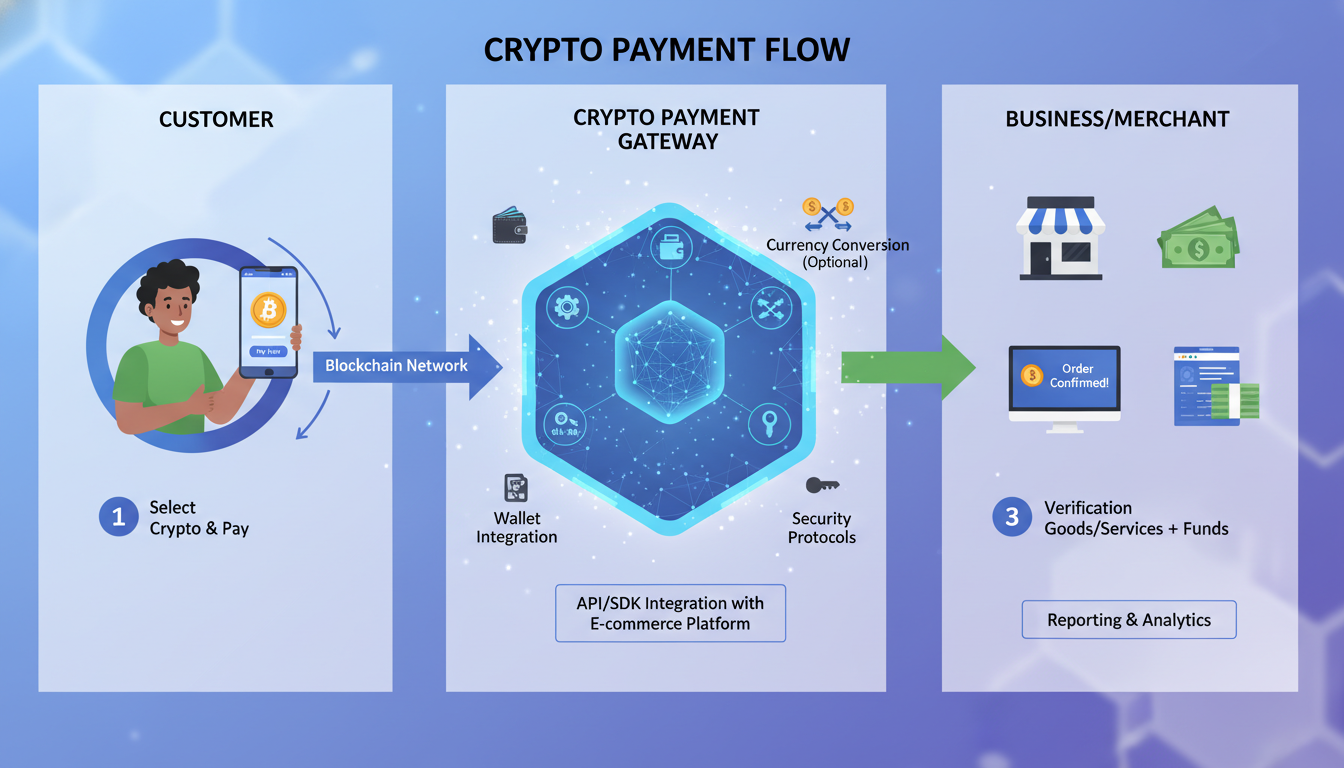
Crypto doesn’t go through a bank. Instead, it moves across a public blockchain where transactions are final. That means no one can reverse a transaction, so being precise matters more than ever.
Step-by-Step Walkthrough
1. Open Your Wallet and Choose “Send”
Log into your exchange or wallet app and look for a button labeled “Send,” “Transfer,” or “Withdraw.” This brings up the transaction form.
Some platforms also let you send off-chain—like email or phone contacts—without fees, but those are limited to users on the same service.
2. Paste or Scan the Recipient’s Address
Next, get the correct wallet address from the recipient. It’ll look like a long jumble of characters.
- Use copy-paste to avoid typos.
- Or scan a QR code if available.
- Always verify the first and last few characters after pasting.
Mistyping even once means funds can vanish forever.
3. Select the Correct Network
Most tokens like USDT or USDC work across several blockchains (e.g., Ethereum, BNB Chain, Solana).
Pick the right network that matches both sender and recipient. Sending on the wrong chain will likely result in permanent loss.
4. Enter the Amount
Type in how much you want to send. Many wallets let you switch between crypto and fiat. Just be sure you have enough to cover both sending and the transaction fee.
5. Review Smartly: Address, Fee, Everything
Take a moment to confirm:
- Recipient address and network
- Amount to send
- Transaction fee (sometimes called gas fee)
If your wallet shows fee options, choose the right balance of speed and cost.
Pro Tip: Do a Small Test First
If it’s a new address or you’re nervous, send a tiny amount—like $1 worth. Once it arrives, you can send the full amount with confidence.
6. Hit Send
Confirm and send the transaction. Some wallets will ask for 2FA, biometric, or device confirmation first.
7. Track the Transaction
After sending, you’ll see a transaction ID (TXID). Use that to check the status on a block explorer. Once it’s confirmed, your funds are delivered.
Errors to Avoid and Safety Tips
Double-Check Everything
Crypto transfers are permanent. Even a minor entry error means loss.
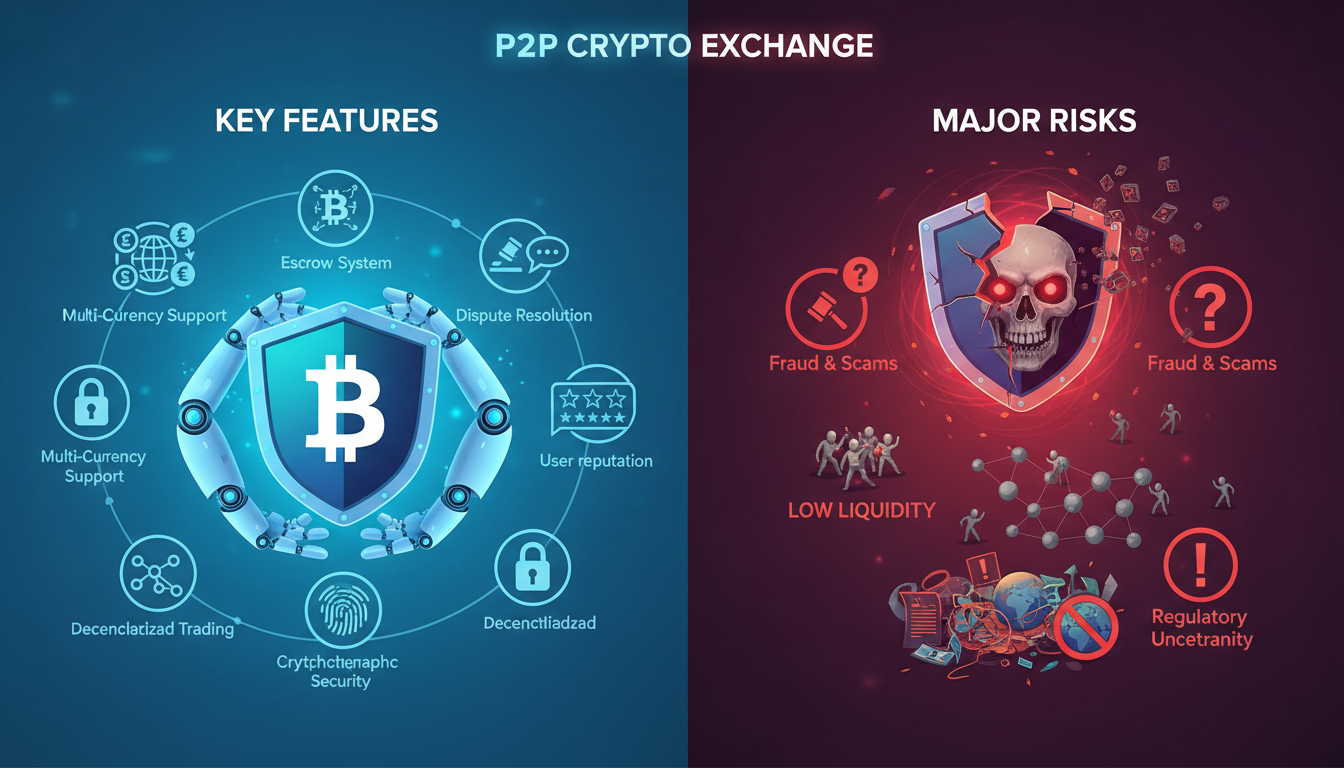
Beware of Scams & Clipboard Hijacks
Malware can swap your copied address with a fraudster’s. Always recheck what you’ve pasted.
Use Official Sites Only
Avoid phishing sites. Bookmark verified links or navigate from official platforms.
Enable 2FA, Use Hardware for Security
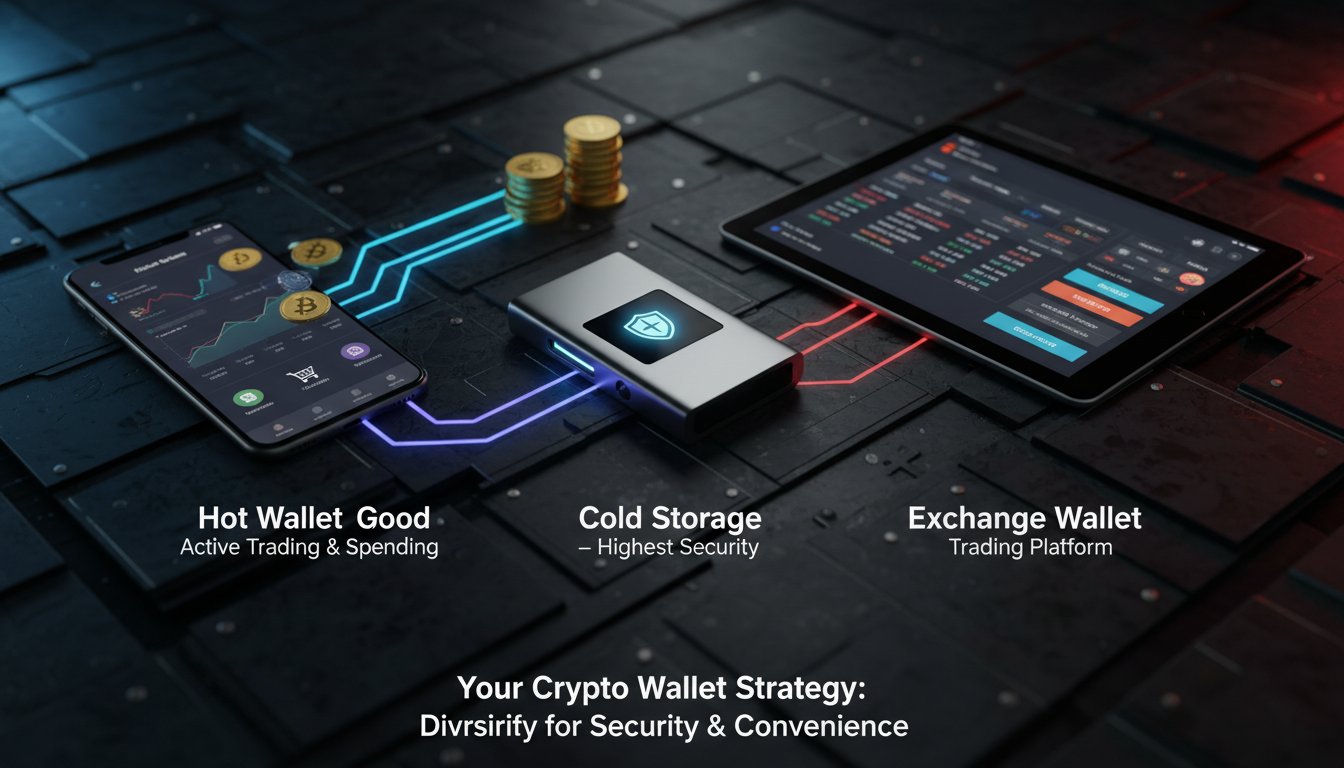
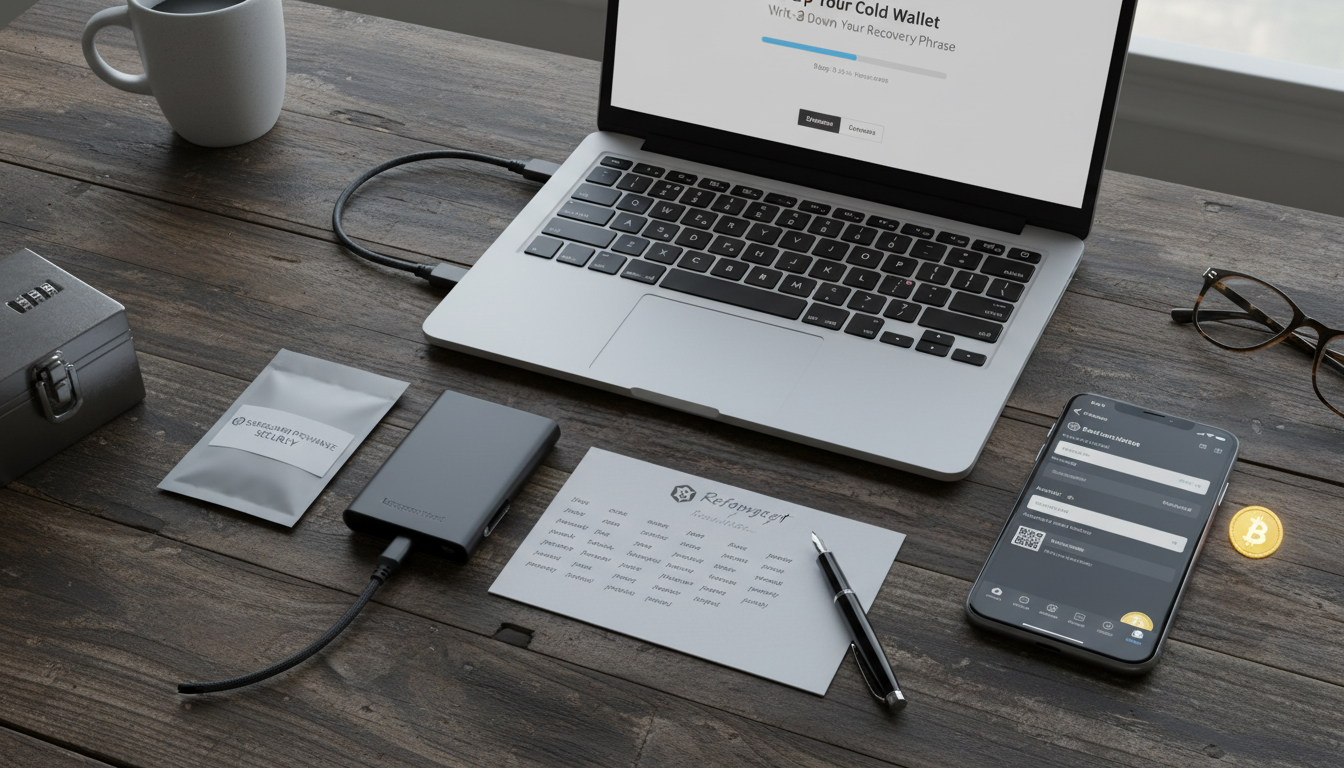
Activate 2FA using apps—not SMS. For big amounts, use separate hardware wallets or self-custody solutions.
Avoid Cross-Chain Confusion
Sending BTC to a wallet expecting ETH will lose your funds forever. Double-confirm asset compatibility.
Real-World Examples
Let’s say Sam wants to send USDC to Chris on Polygon.
Sam opens their wallet, hits “Send,” scans Chris’s QR code that starts with the right address, picks Polygon as the network, types the amount in dollars, reviews the small gas fee, sends a $1 test first, sees it arrive, then sends the rest. Everything works—because Sam double-checked her steps.
“Even seasoned users make errors. A simple typo in the recipient’s address can lead to irretrievable loss. Always test, verify, and only then send.” — Crypto security expert
Summary of Key Steps
- Open wallet and choose “Send”
- Copy or scan recipient address correctly
- Pick the right network
- Enter amount, factoring in wallet fee
- Small test first if it’s new
- Confirm and send with authentication
- Track using TXID until confirmed
Conclusion
Sending crypto safely doesn’t have to be intimidating. It boils down to stepping through a consistent checklist: open, address, network, amount, fee, review, send, track. Test first, double-check everything, and prioritize your security. With a little caution, you’ll build confidence quickly.
FAQs
1. What’s the fastest way to send crypto without fees?
Some platforms (like Binance.US or Coinbase off‑chain) allow instant, fee‑free transfers between users on the same service. Otherwise, fees are standard on blockchains.
2. Can I reuse an address for multiple transactions?
Yes, most public wallet addresses can be reused. However, some privacy‑focused setups suggest rotating addresses for anonymity. Always confirm network compatibility each time.
3. What if I send to the wrong network?
If you send on the wrong chain—like Ethereum USDT to a BNB Chain address—your funds are usually unrecoverable. Only attempt recovery if the receiver cooperates.
4. Should I always send a test transaction first?
For new or large transfers, yes. It’s a simple way to avoid costly mistakes before committing full amounts.
5. How long do transfers usually take?
It depends on the network. Some blockchains confirm within seconds, but congested networks like Ethereum may take minutes to over an hour. Fee level also affects speed.
6. Is it safe to use QR codes to send?
QR scanning reduces entry errors and is generally safe—just ensure the code is from a trusted source to avoid scams.